PDF Translation Options
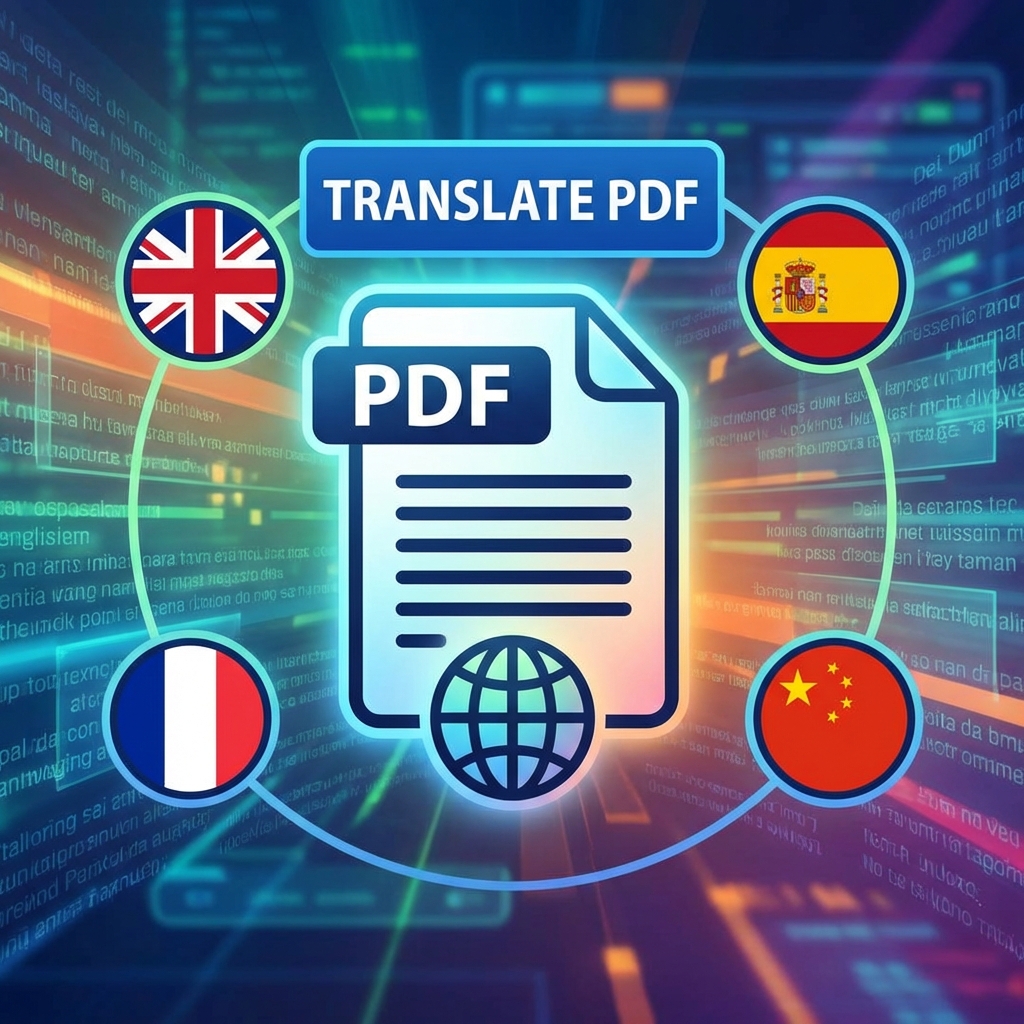
Need to translate a PDF document? Compare AI-powered translation with traditional methods to find the best approach for your multilingual needs.
AI Translation vs Traditional Human Translation
| Aspect | AI Translation | Human Translation |
|---|---|---|
| Speed | Instant | Days/weeks |
| Cost | Free or low | $0.10-0.30/word |
| Accuracy | 90-95% | 99%+ |
| Context | Good | Excellent |
| Technical | Improving | Expert level |
How to Translate PDF with AI
- Go to PDFMody Translate PDF
- Upload your PDF document
- Select source language (or auto-detect)
- Choose target language
- Click "Translate"
- Download translated PDF with formatting preserved
Supported Languages
PDFMody supports 100+ languages including:
- English, Spanish, French, German
- Chinese, Japanese, Korean
- Arabic, Hindi, Russian
- Portuguese, Italian, Dutch
- And many more...
When to Use AI Translation
- ✅ Personal use and understanding
- ✅ Internal documents
- ✅ Quick reference translation
- ✅ Large volume documents
- ✅ Budget-conscious projects
When to Use Human Translation
- ⭐ Legal contracts and agreements
- ⭐ Medical documents
- ⭐ Marketing materials
- ⭐ Official certifications
- ⭐ Published content
AI Translation Advantages
- Preserves original formatting
- Handles images and tables
- Consistent terminology
- Instant results
FAQ
Will formatting be preserved?
Yes! PDFMody maintains the original layout, images, and formatting.
Can I translate scanned PDFs?
Yes, OCR is applied automatically to extract text from scanned documents.
Conclusion
For most everyday translation needs, AI provides excellent results at a fraction of the cost. Try PDFMody's translation tool today!