Why Merge PDFs?
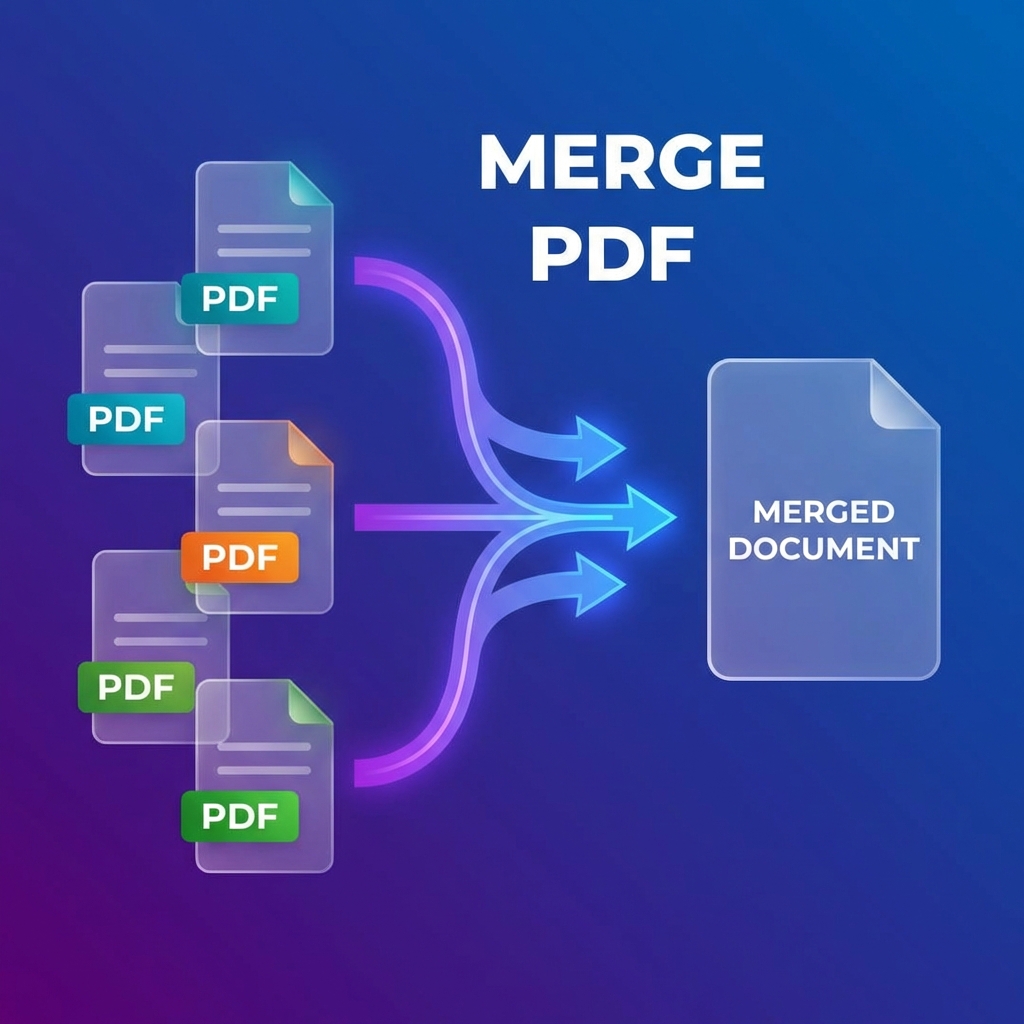
Combining multiple PDF files into one document is essential for:
- Creating comprehensive reports
- Organizing related documents
- Simplifying file management
- Preparing presentations
The 7 Best Methods to Merge PDFs
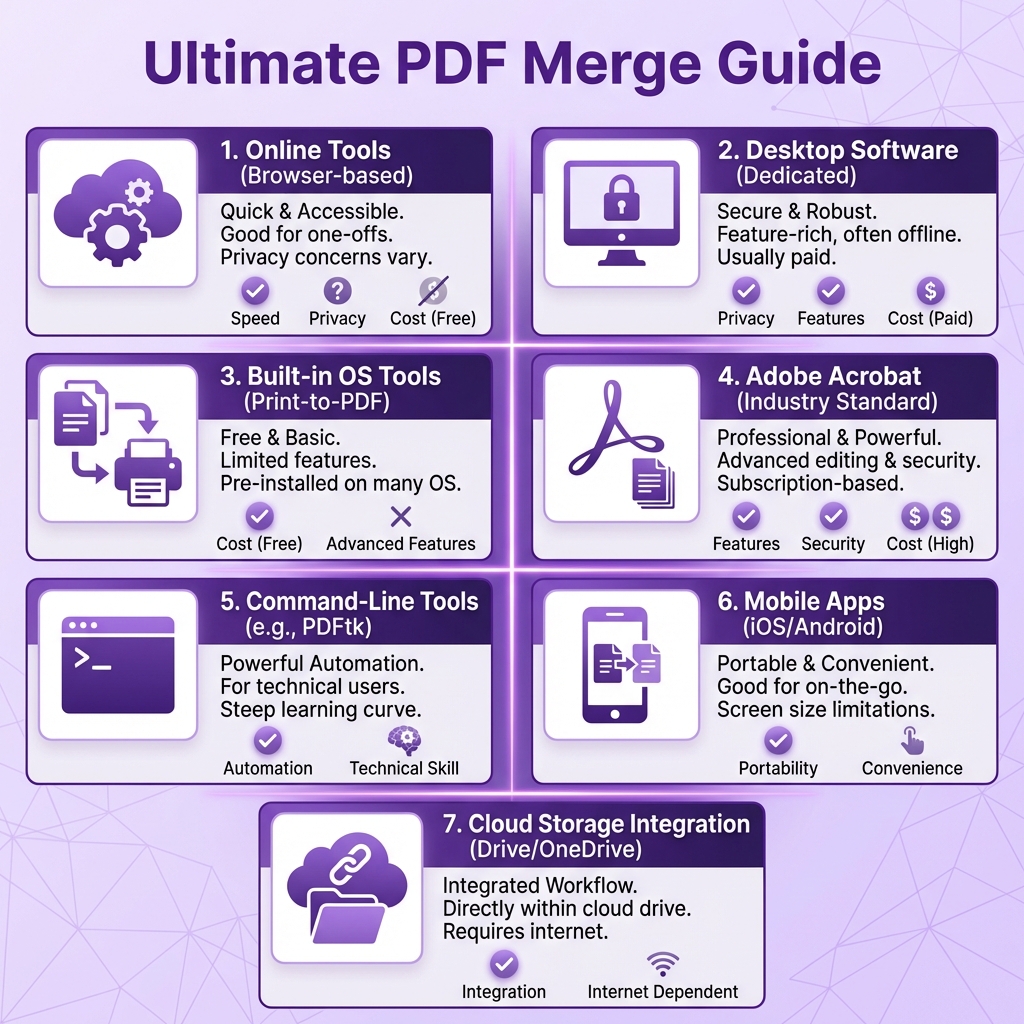
1. PDFMody Online Merger (Best Free Option)
⭐⭐⭐⭐⭐ 5/5
- ✅ 100% free, no limits
- ✅ Drag-and-drop reordering
- ✅ Works on any device
- ✅ No registration required
2. Adobe Acrobat Pro
⭐⭐⭐⭐ 4/5
- ✅ Professional features
- ✅ Advanced page management
- ❌ Monthly subscription required
3. Preview (Mac)
⭐⭐⭐ 3.5/5
- ✅ Built into macOS
- ❌ Limited features
- ❌ Mac only
4. Microsoft Print to PDF
⭐⭐⭐ 3/5
- ✅ Built into Windows
- ❌ Requires workaround
- ❌ May reduce quality
5. Google Drive
⭐⭐⭐ 3/5
- ✅ Cloud-based
- ❌ Requires third-party add-on
6. Smallpdf
⭐⭐⭐ 3/5
- ✅ Clean interface
- ❌ Limited free operations
7. Command Line (Advanced)
⭐⭐⭐ 3/5
- ✅ Batch processing
- ❌ Technical knowledge required
Step-by-Step: Merge with PDFMody
- Go to PDFMody Merge PDF
- Click "Choose Files" or drag and drop PDFs
- Arrange files in desired order
- Click "Merge PDF"
- Download your combined document
Comparison Table
| Tool | Free | Reorder | Speed |
|---|---|---|---|
| PDFMody | ✅ | ✅ | ⚡Fast |
| Adobe | ❌ | ✅ | ⚡Fast |
| Preview | ✅ | ✅ | Medium |
| Smallpdf | Limited | ✅ | Medium |
Pro Tips
- Rename files before merging for easy reference
- Check page orientation consistency
- Remove unnecessary pages first to reduce file size
FAQ
Can I merge password-protected PDFs?
Yes, but you'll need to unlock them first. Try our Unlock PDF tool.
Is there a file limit?
PDFMody has no file size or count limits!
Conclusion
For fast, free, and reliable PDF merging, PDFMody is the clear winner. Try it now!