Free PDF Editing in 2026
Who says you need expensive software to edit PDFs? In this comprehensive guide, we've tested and reviewed 10 free PDF editing tools to help you find the perfect solution for your needs.
The 10 Best Free PDF Editors
1. PDFMody (Best Overall)
⭐⭐⭐⭐⭐ Rating: 5/5
- ✅ 100% free, no registration
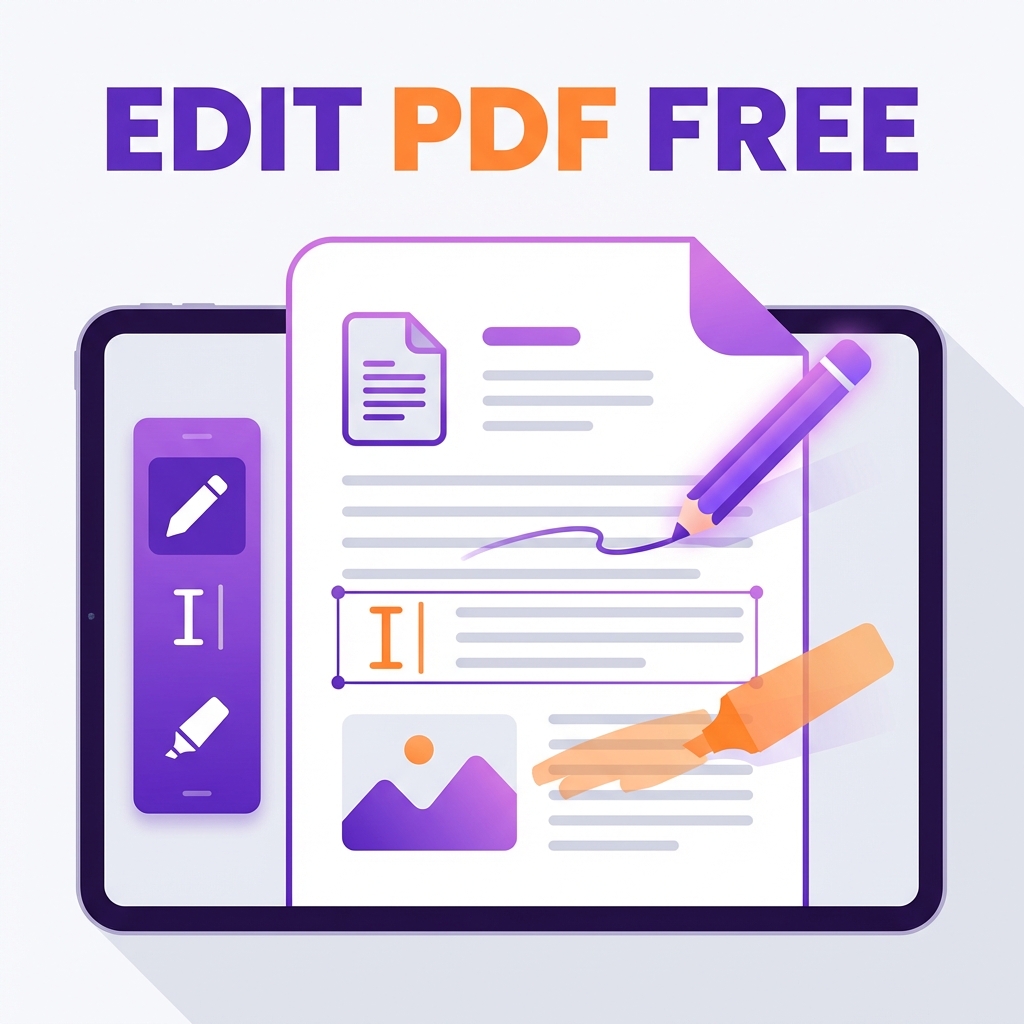
- ✅ Edit text, images, and links
- ✅ Add annotations and highlights
- ✅ Works on any device
2. Sejda PDF Desktop
⭐⭐⭐⭐ Rating: 4/5
- ✅ Desktop app available
- ✅ Good text editing
- ❌ Limited free operations per day
3. PDFescape
⭐⭐⭐⭐ Rating: 4/5
- ✅ Browser-based
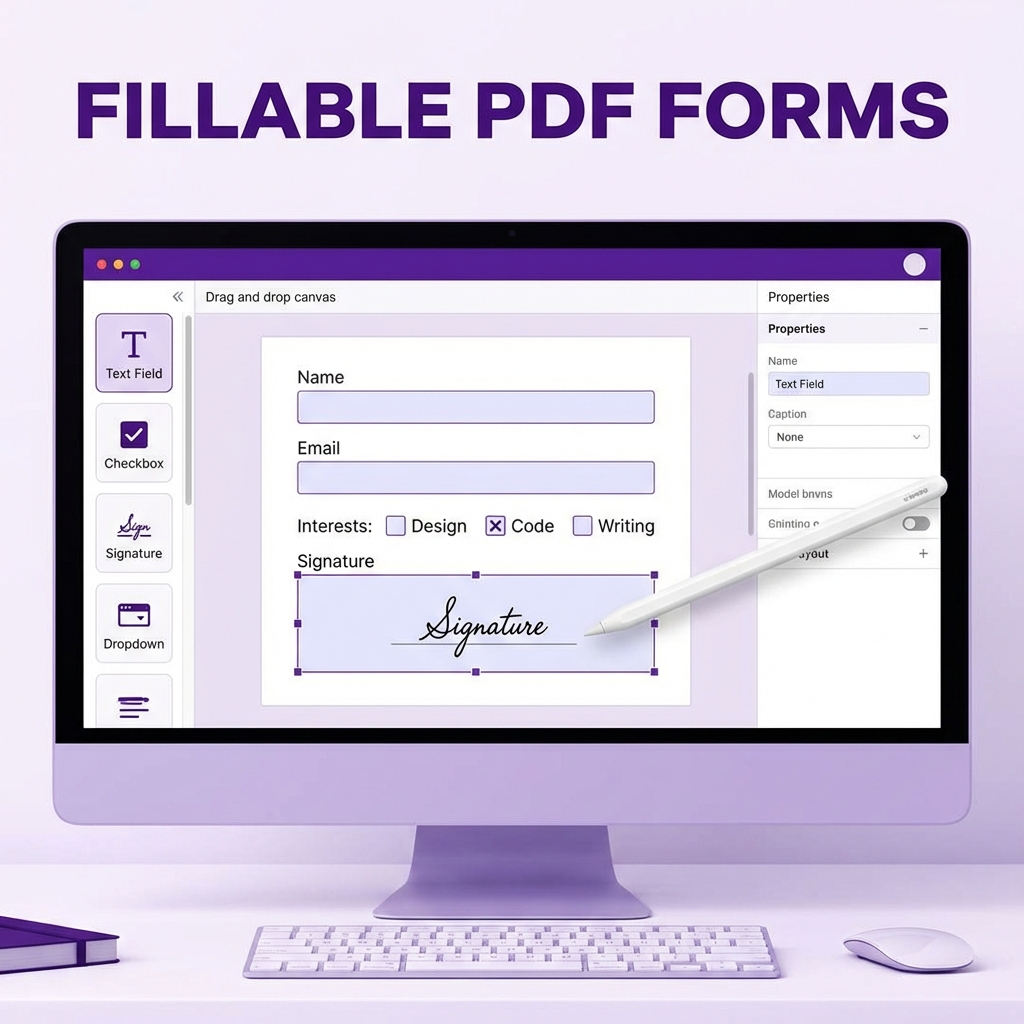
- ✅ Form filling support
- ❌ File size limit (10MB)
4. Smallpdf
⭐⭐⭐ Rating: 3.5/5
- ✅ Clean interface
- ❌ Limited free tasks per day
5. iLovePDF
⭐⭐⭐ Rating: 3.5/5
- ✅ Many tools available
- ❌ Watermark on free version
6. DocHub
⭐⭐⭐ Rating: 3.5/5
- ✅ Google Drive integration
- ❌ Limited storage
7. Xodo PDF Reader & Editor
⭐⭐⭐ Rating: 3.5/5
- ✅ Great for annotation
- ❌ Mobile-focused
8. PDF24 Creator
⭐⭐⭐ Rating: 3/5
- ✅ Completely free
- ❌ Windows only
9. LibreOffice Draw
⭐⭐⭐ Rating: 3/5
- ✅ Open source
- ❌ Steeper learning curve
10. PDF-XChange Editor
⭐⭐⭐ Rating: 3/5
- ✅ Feature-rich
- ❌ Watermark in free version
Comparison Table
| Tool | Text Edit | Images | Annotations | Free Limit |
|---|---|---|---|---|
| PDFMody | ✅ | ✅ | ✅ | Unlimited |
| Sejda | ✅ | ✅ | ✅ | 3/day |
| PDFescape | Limited | ✅ | ✅ | 10MB |
| Smallpdf | ✅ | Limited | ✅ | 2/day |
Which Editor Should You Choose?
| Need | Best Choice |
|---|---|
| Quick edits | PDFMody |
| Form filling | PDFescape |
| Annotations | Xodo |
| Offline work | LibreOffice |
FAQ
Can I edit scanned PDFs?
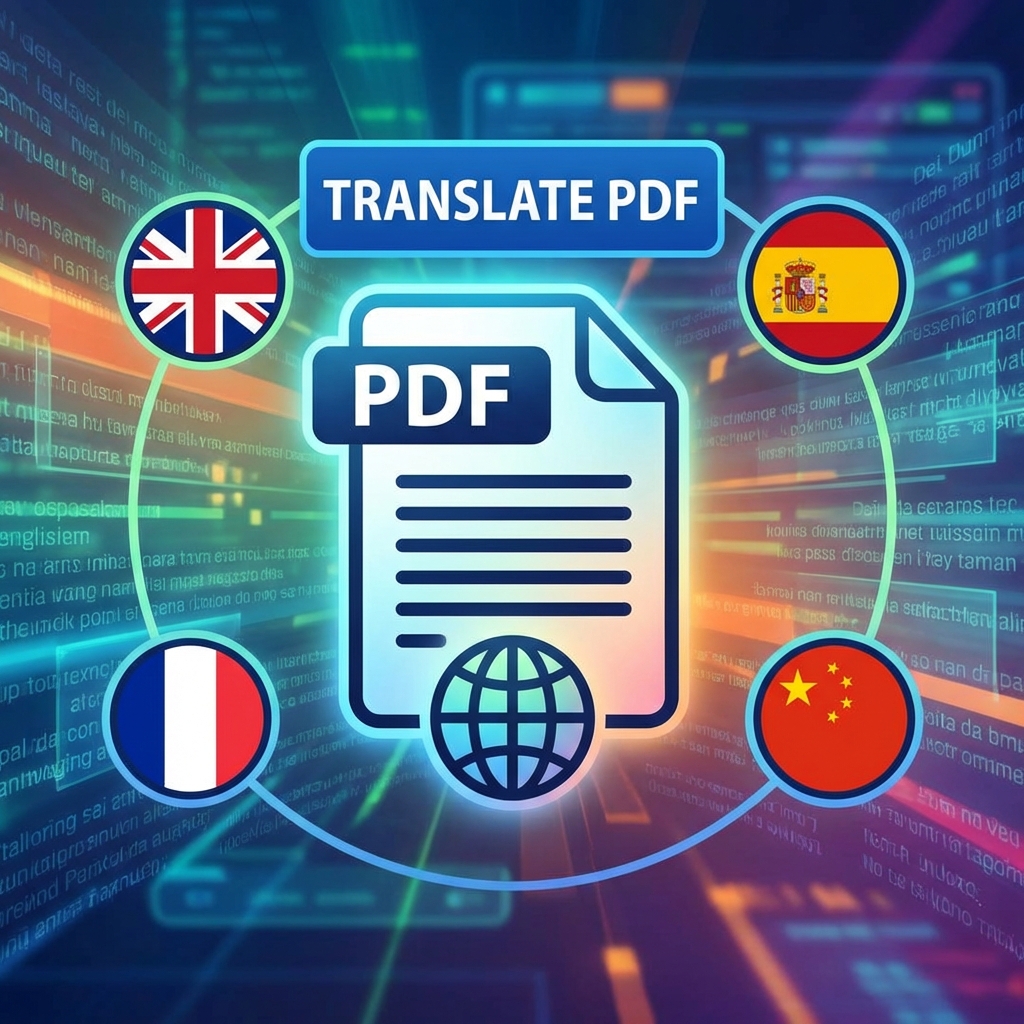
Yes, but you'll need OCR (Optical Character Recognition). PDFMody offers built-in OCR support.
Will editing change the original file?
No, most tools create a new copy. You can always download the edited version separately.
Conclusion
For most users, PDFMody offers the best balance of features, ease of use, and truly free access. Try it today!