Listen to Your PDFs
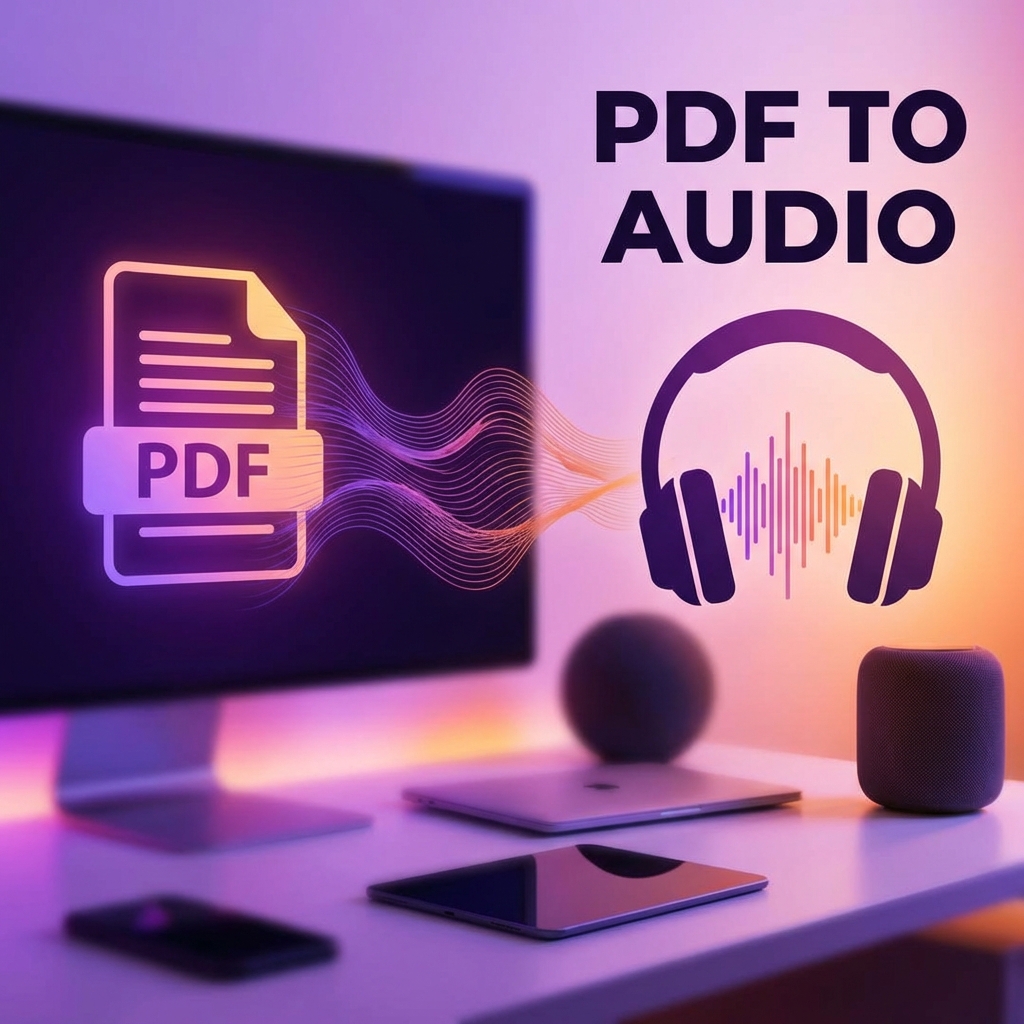
Transform any PDF into an audio file with natural-sounding AI voices. Perfect for commuting, exercising, or multitasking. This guide shows you how to make the most of PDF to audio conversion.
Why Convert PDF to Audio?
- Multitasking: Listen while driving, exercising, or cooking
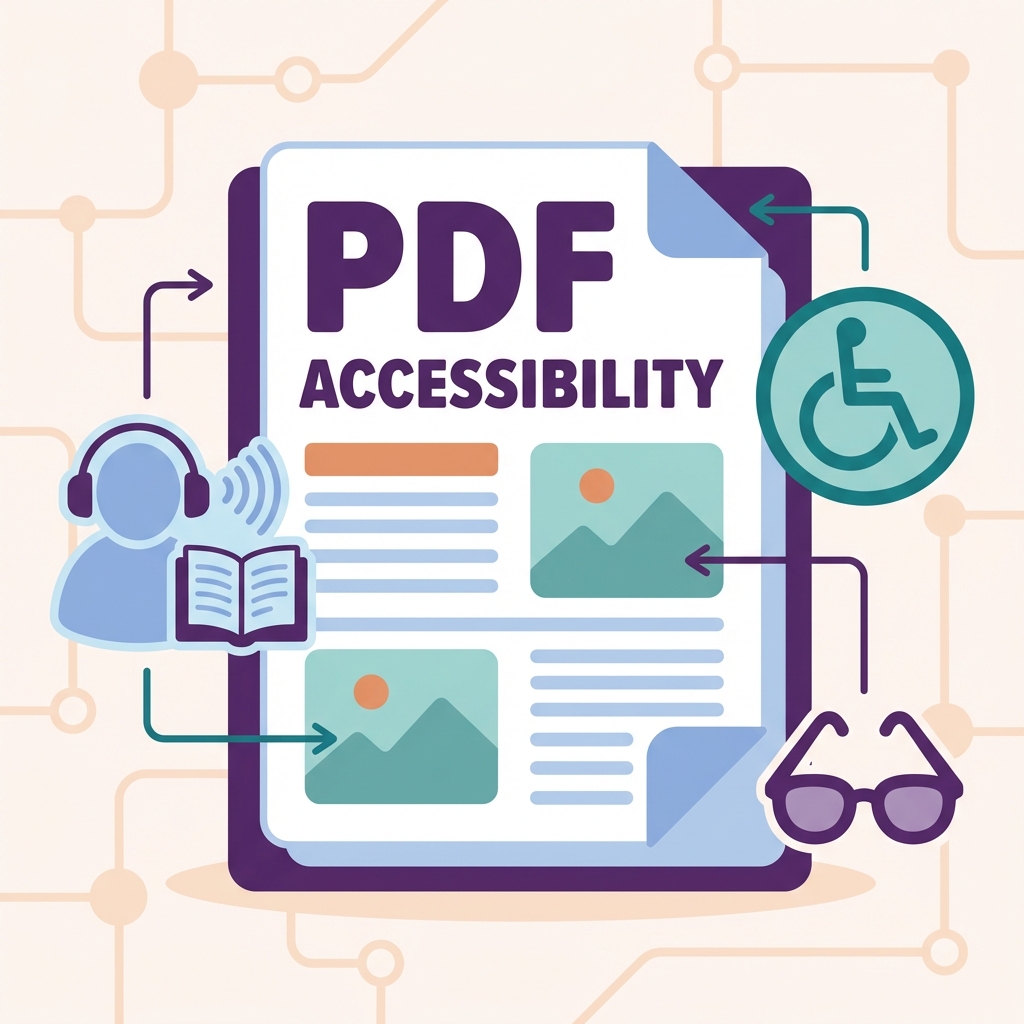
- Accessibility: Helps people with visual impairments
- Learning: Better retention for auditory learners
- Productivity: "Read" documents during commute
How to Convert PDF to Audio
- Visit PDFMody PDF to Audio
- Upload your PDF document
- Select voice (male/female, different accents)
- Choose reading speed
- Click "Convert"
- Download MP3 or listen online
Voice Options Available
| Voice | Best For |
|---|---|
| Natural Female (US) | General documents, articles |
| Natural Male (US) | Business reports, news |
| British English | Academic papers |
| Australian English | Casual content |
Speed Settings
- 0.75x: Slow, great for complex content
- 1.0x: Normal speaking pace
- 1.25x: Slightly faster, still natural
- 1.5x: Fast, for experienced listeners
- 2.0x: Very fast, saves time
Best Documents for Audio
- Articles and blog posts
- E-books and novels
- Research papers
- Training materials
- Meeting notes and reports
Pro Tips
- Use headphones for better experience
- Start at 1.0x and gradually increase speed
- Clean up scanned PDFs with OCR first
- Break long documents into chapters
FAQ
What's the maximum file size?
PDFMody supports PDFs up to 50MB for audio conversion.
How long does conversion take?
A 10-page document typically converts in 30-60 seconds.
Conclusion
PDF to audio is a game-changer for busy professionals. Try it now and make the most of your time!