AI-Powered PDF Summarization
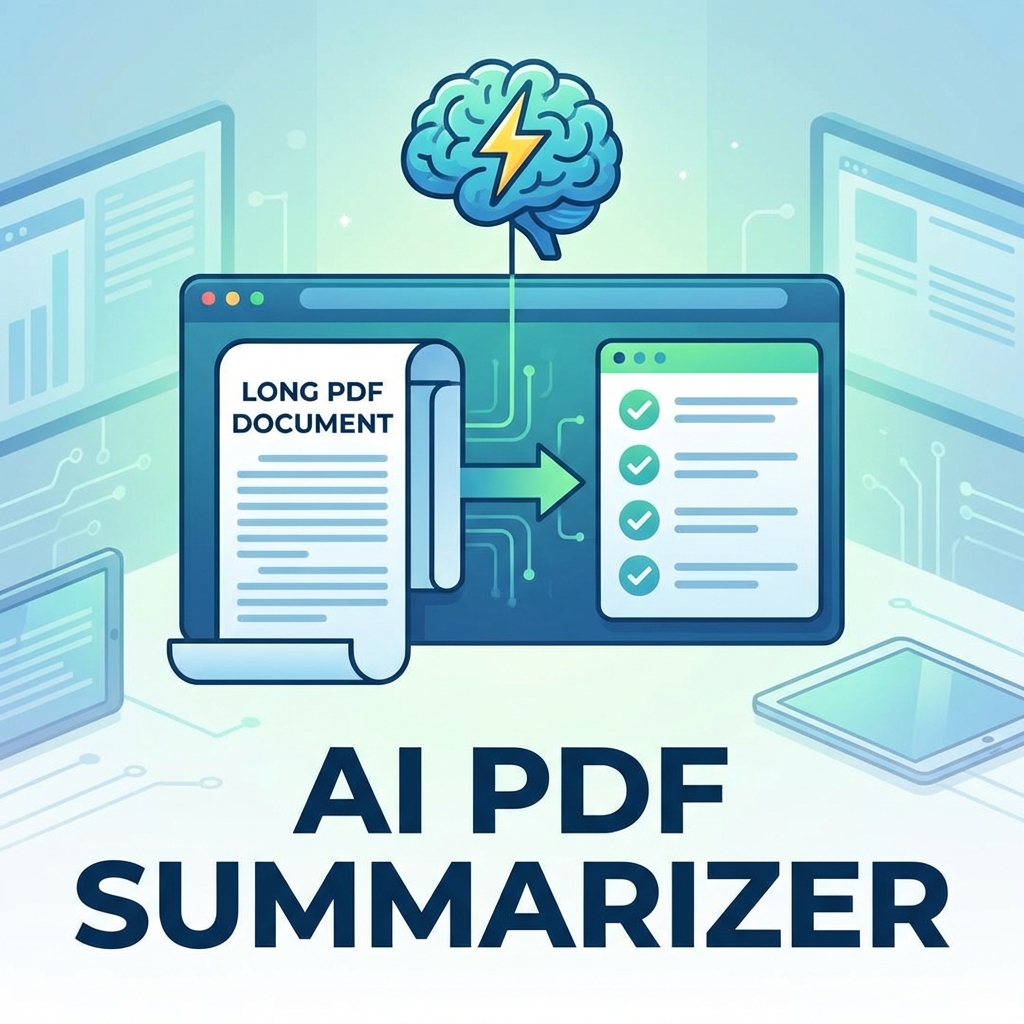
Save hours of reading with AI-powered PDF summarization. Get key points from lengthy documents in seconds using advanced natural language processing.
How AI Summarization Works
- Text extraction: AI reads entire document
- Analysis: Identifies main topics and themes
- Key point extraction: Finds most important sentences
- Summary generation: Creates concise summary
How to Summarize a PDF
- Go to PDFMody AI Summarizer
- Upload your PDF document
- Choose summary length (brief, standard, detailed)
- Click "Summarize"
- Review AI-generated summary
- Copy or download the summary
Summary Length Options
| Option | Length | Best For |
|---|---|---|
| Brief | 2-3 sentences | Quick overview |
| Standard | 1 paragraph | Most use cases |
| Detailed | Multiple paragraphs | Complex documents |
| Key Points | Bullet points | Action items |
Best Documents to Summarize
- Research papers and academic articles
- Long business reports
- Legal contracts and agreements
- News articles and whitepapers
- Books and e-books
AI Summarization Benefits
- ⏱️ Save 80% of reading time
- 📊 Focus on key information
- 📝 Quick document review
- 🎯 Better decision making
Tips for Better Summaries
- Use text-based PDFs (not scanned)
- Ensure good document structure
- Select appropriate length option
- Review and edit as needed
FAQ
How accurate is AI summarization?
Our AI captures 95%+ of key information. Always review summaries for critical documents.
Is my document secure?
Yes, documents are processed securely and deleted after summarization.
Conclusion
Stop drowning in documents. Let AI do the heavy lifting and focus on what matters!