Conversational PDF Interaction
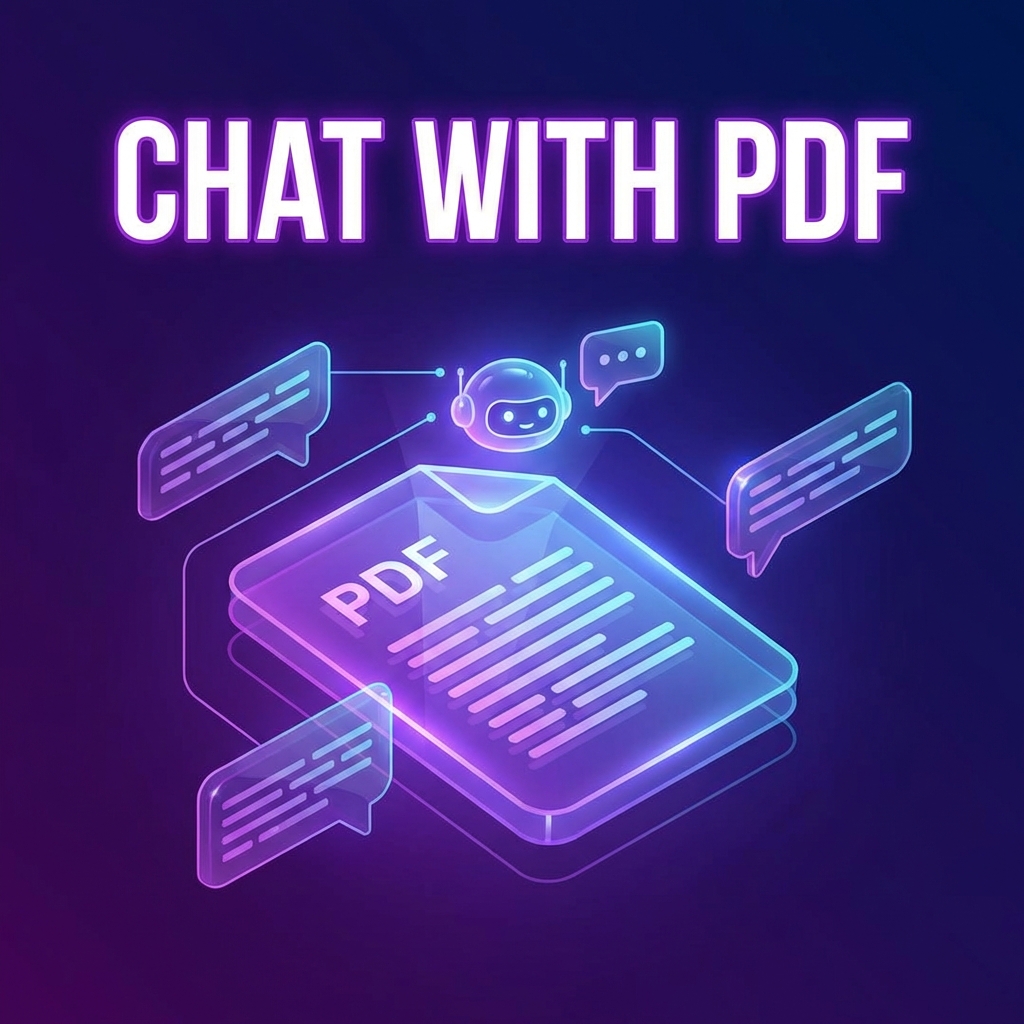
Chat with your documents naturally. Ask questions and get accurate answers from your PDFs. This revolutionary AI technology is changing how we interact with documents.
What is Chat with PDF?
Chat with PDF uses advanced AI to understand your documents and answer questions about them in natural language. It's like having a conversation with your document!
How to Chat with Your PDF
- Visit PDFMody Chat with PDF
- Upload your PDF document
- Wait for AI to analyze the document
- Type your question in the chat box
- Get instant, accurate answers
- Ask follow-up questions for more details
Example Questions You Can Ask
- "What are the main conclusions of this report?"
- "Summarize chapter 3"
- "What does the document say about revenue growth?"
- "List all the recommendations"
- "Explain the methodology used"
- "What are the key statistics mentioned?"
Use Cases
| Profession | Use Case |
|---|---|
| Students | Research paper analysis, quick study |
| Lawyers | Contract review, case research |
| Researchers | Literature review, data extraction |
| Business | Report analysis, competitive research |
| Finance | Financial statement analysis |
Features
- ✅ Natural language understanding
- ✅ Context-aware responses
- ✅ Quote extraction with page numbers
- ✅ Multi-document comparison
- ✅ Follow-up questions
Tips for Better Results
- Be specific with your questions
- Use document terminology
- Ask one question at a time
- Request quotes when needed
FAQ
How does the AI understand my document?
Our AI uses advanced language models to read and comprehend document content, structure, and context.
Is this secure for confidential documents?
Yes, documents are encrypted and automatically deleted after your session.
Conclusion
Chat with PDF is the future of document interaction. Try it now and experience the revolution!