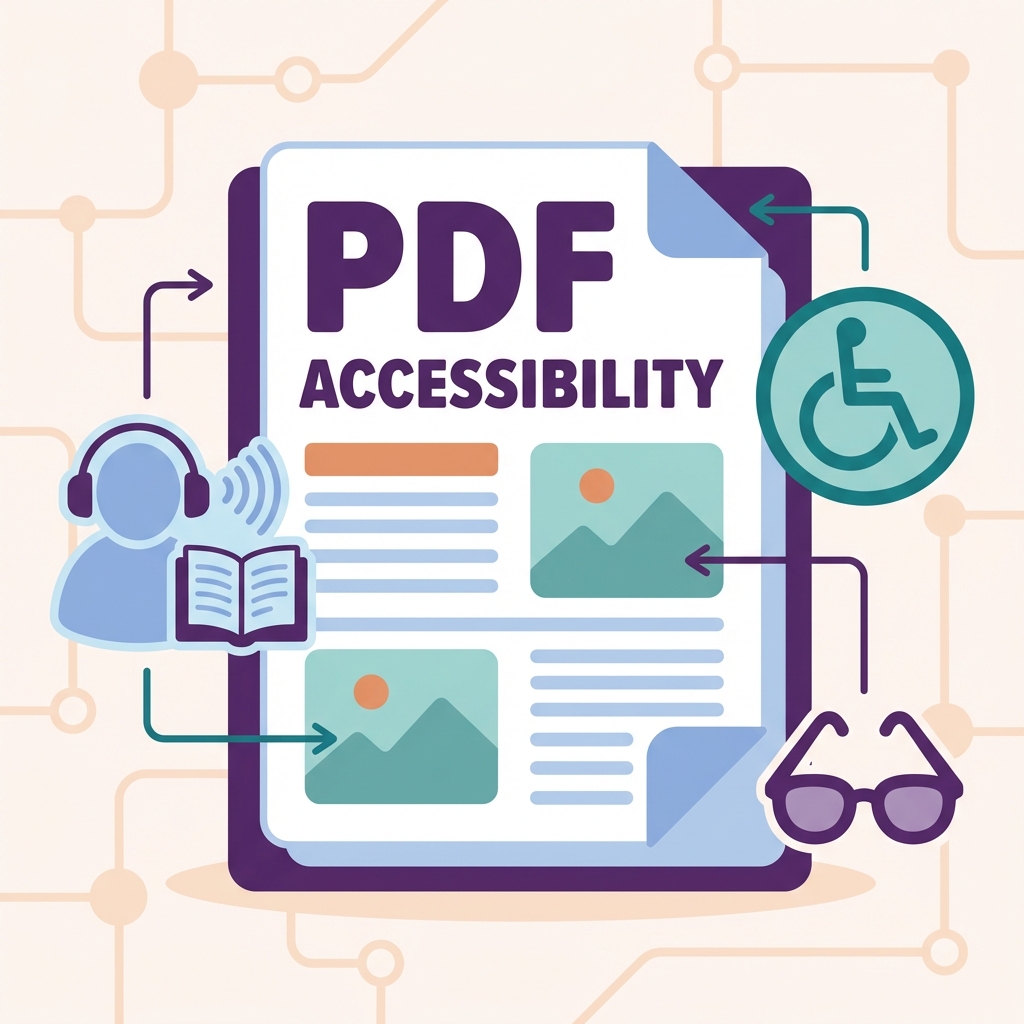
Making PDFs Accessible to Everyone
Learn how to create accessible PDFs that can be read by everyone, including people using screen readers and other assistive technologies.
Why PDF Accessibility Matters
- 1 billion people worldwide live with disabilities
- Many organizations have legal accessibility requirements
- Accessible PDFs are easier for everyone to use
- Better SEO for indexed PDF content
Key Accessibility Features
1. Document Structure
- Proper heading hierarchy (H1, H2, H3)
- Logical reading order
- Tagged content structure
2. Text Alternatives
- Alt text for images
- Descriptions for graphs and charts
- Captions for multimedia
3. Navigation
- Table of contents
- Bookmarks
- Descriptive links
Accessibility Checklist
| Element | Requirement |
|---|---|
| Images | Alt text provided |
| Headings | Proper hierarchy |
| Links | Descriptive text |
| Tables | Headers marked |
| Color | Not only means of info |
| Language | Document language set |
How to Check Accessibility
- Use Adobe Acrobat's Accessibility Checker
- Test with screen readers (NVDA, VoiceOver)
- Check keyboard navigation
- Verify color contrast
Common Accessibility Issues
- ❌ Scanned documents without OCR
- ❌ Images without alt text
- ❌ Missing document structure
- ❌ Color-only information
- ❌ Unlabeled form fields
Making PDFs Accessible with PDFMody
- Use OCR for scanned documents
- Add proper structure with headings
- Include alt text for images
- Ensure readable fonts and sizes
FAQ
What is WCAG?
Web Content Accessibility Guidelines - the international standard for accessibility.
Are accessible PDFs required by law?
Many countries require accessible documents for government and public organizations.
Conclusion
Creating accessible PDFs benefits everyone. Make your documents inclusive with PDFMody!