Business PDF Essentials
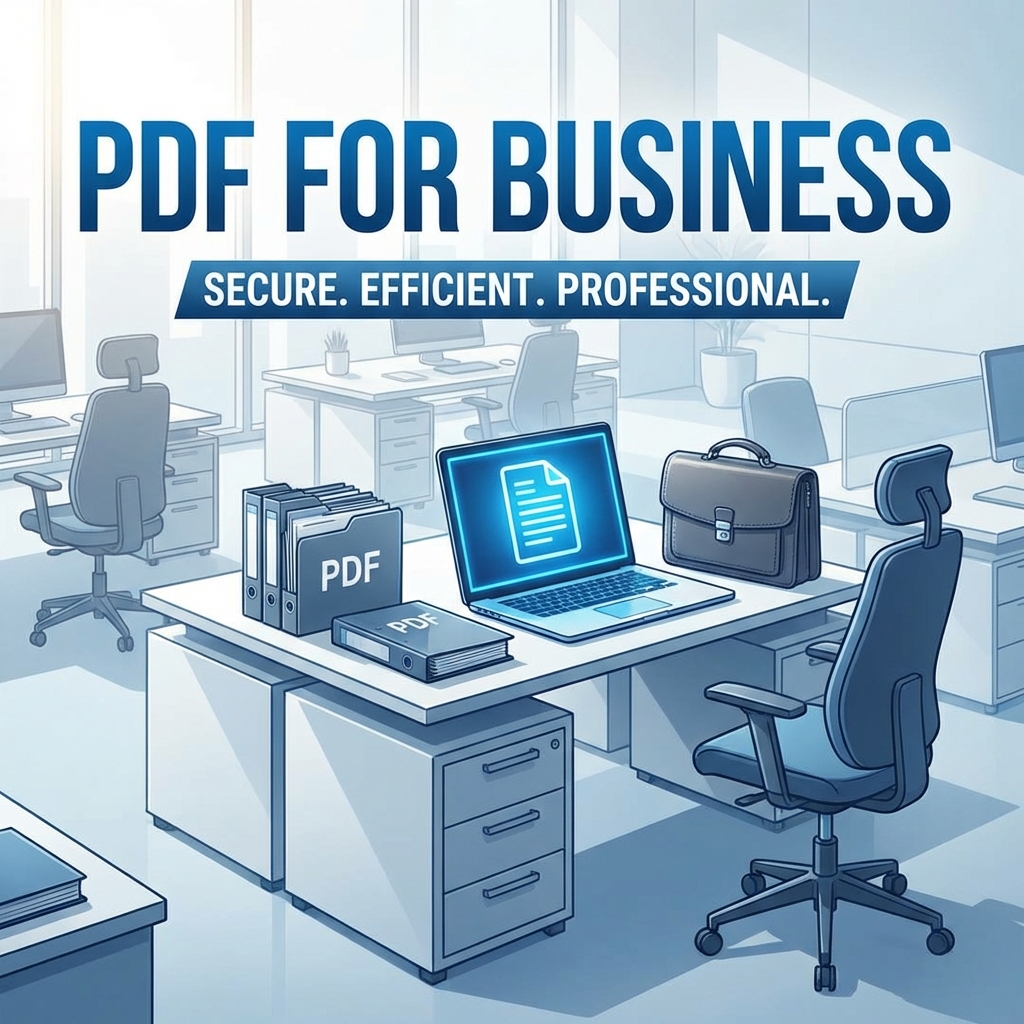
In today's digital workplace, PDF tools are essential for every professional. This guide covers the must-have PDF capabilities for business success.
Essential PDF Tools for Business
1. Document Conversion
- PDF to Word for editing contracts
- PDF to Excel for data analysis
- Word/Excel to PDF for sharing
2. Security & Compliance
- Password protection for confidential docs
- Redaction for sensitive information
- Digital signatures for legal validity
3. Collaboration
- Merge documents for comprehensive reports
- Split PDFs to share specific sections
- Add comments and annotations
4. Optimization
- Compress for email sharing
- OCR for searchable documents
- Organize pages for presentations
Industry-Specific Use Cases
| Industry | Key PDF Tasks |
|---|---|
| Legal | Contracts, briefs, redaction |
| Finance | Reports, statements, compliance |
| Healthcare | Patient records, prescriptions |
| Real Estate | Listings, contracts, signatures |
| Education | Course materials, transcripts |
Business Benefits
- 💰 Cost savings: No expensive software needed
- ⏱️ Time efficiency: Fast document processing
- 🔒 Security: Protect sensitive information
- 📱 Accessibility: Work from anywhere
- 🌍 Global: Universal file format
Best Practices
- Always password-protect sensitive documents
- Compress large files before emailing
- Use OCR for scanned documents
- Maintain document backups
- Organize with consistent naming conventions
FAQ
Can I use PDFMody for my business?
Absolutely! PDFMody is perfect for businesses of all sizes with no per-user licensing.
Is it secure for business documents?
Yes, we use enterprise-grade encryption and don't store your files.
Conclusion
Master these essential PDF tools to boost your business productivity. Start with PDFMody's free tools today!