Create Interactive PDF Forms
Learn how to create professional fillable PDF forms without any coding. Perfect for applications, surveys, contracts, and more.
What are Fillable PDF Forms?
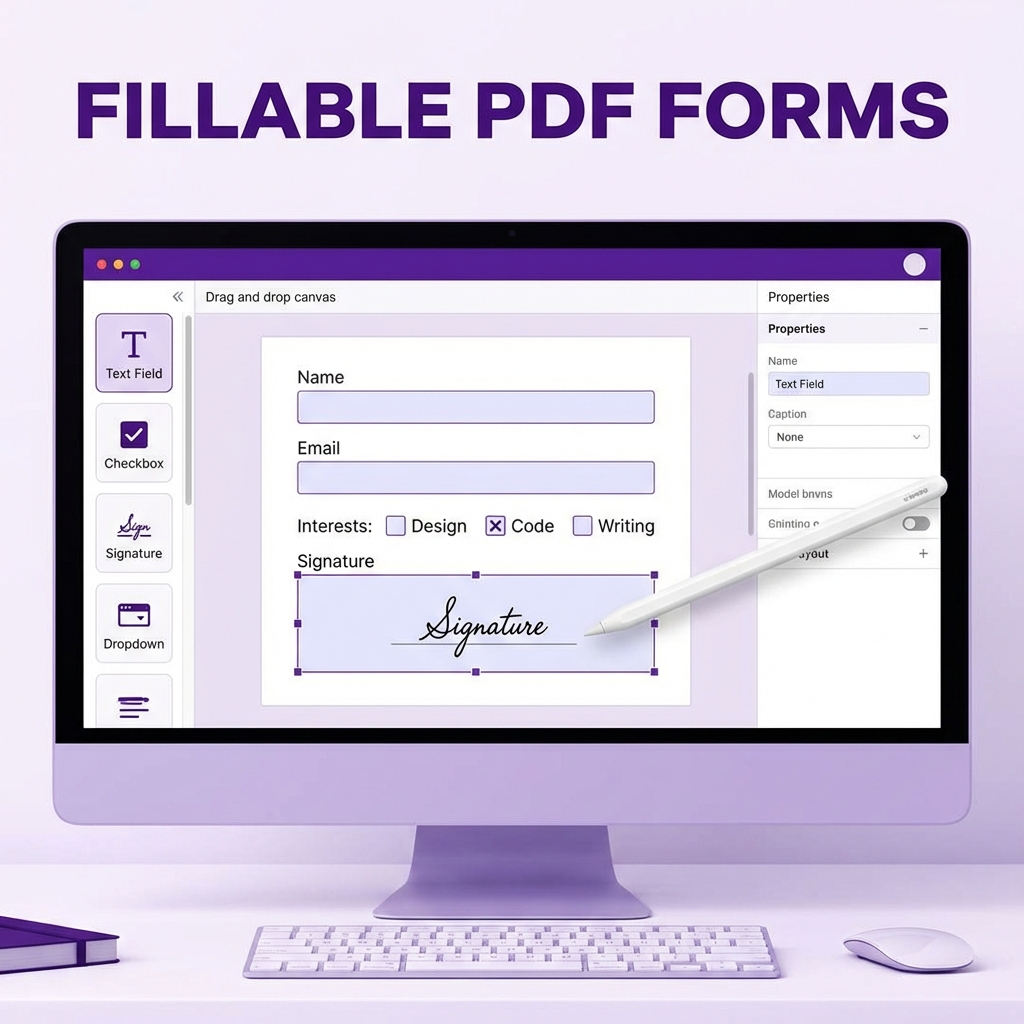
Fillable PDF forms contain interactive fields that users can type into, check boxes, or select options. They're more professional and efficient than paper forms.
Types of Form Fields
- Text fields: For names, addresses, comments
- Checkboxes: For yes/no or multiple selections
- Radio buttons: For single choice from options
- Dropdown menus: For list selections
- Date fields: For dates with calendar picker
- Signature fields: For digital signatures
How to Create a Fillable PDF
- Visit PDFMody Form Creator
- Upload your PDF template or start blank
- Add form fields by clicking and dragging
- Configure field properties (required, default value)
- Add validation rules if needed
- Save and download your form
Popular Form Types
| Form Type | Common Fields |
|---|---|
| Job Application | Text, date, checkboxes |
| Customer Survey | Radio buttons, checkboxes, text |
| Contract | Signature, date, checkboxes |
| Registration | Text, dropdown, checkbox |
| Invoice | Text, number, calculated fields |
Best Practices
- Keep forms short and focused
- Group related fields together
- Use clear labels and instructions
- Make required fields obvious
- Test before distributing
Benefits of Fillable PDFs
- ✅ Professional appearance
- ✅ Consistent data collection
- ✅ Easy to fill on any device
- ✅ Reduces errors and illegible handwriting
- ✅ Can be submitted electronically
FAQ
Can I add calculations?
Yes, you can create calculated fields that auto-compute totals.
Will forms work on mobile?
Yes, fillable PDFs work on most PDF readers including mobile apps.
Conclusion
Creating fillable PDF forms is easier than ever. Try PDFMody's form creator today!