Why PDF to Word Conversion Matters
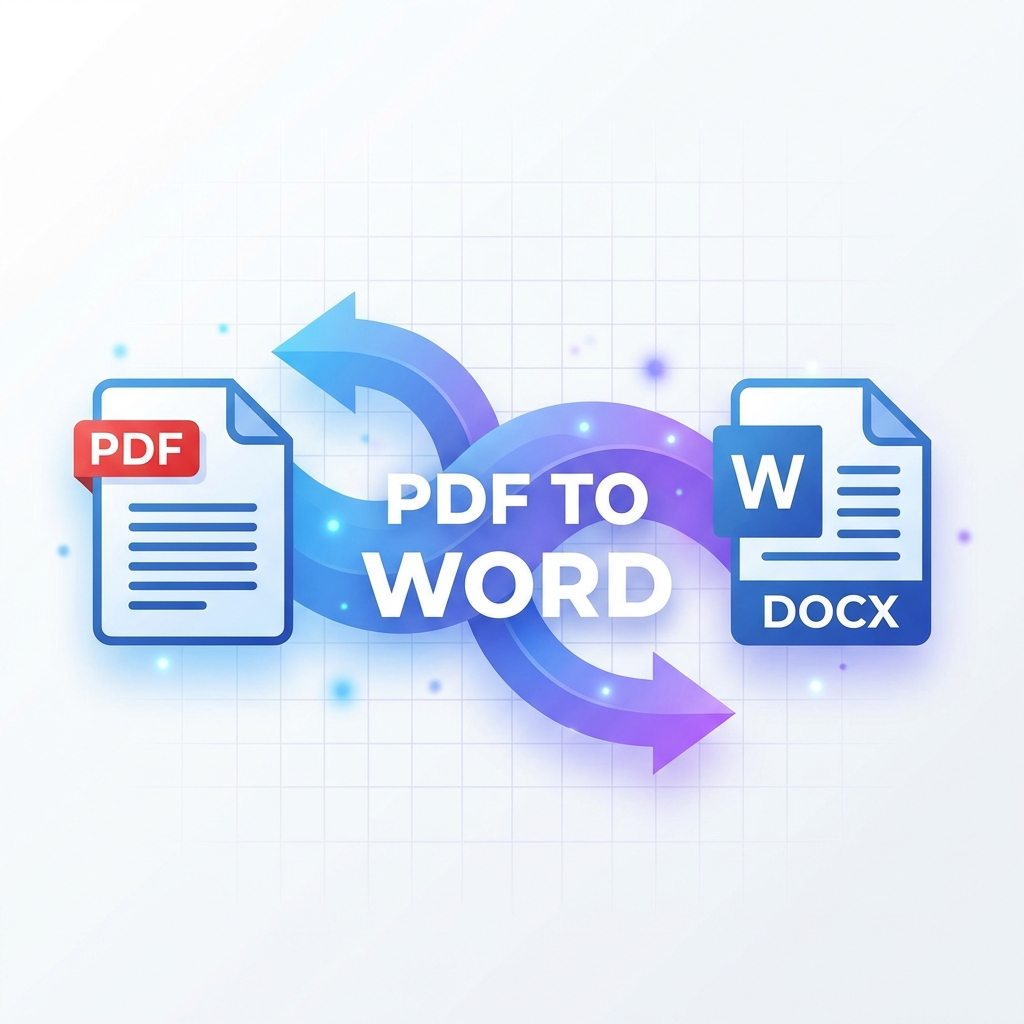
PDF files are great for sharing documents, but when you need to edit them, converting to Word is essential. The challenge? Keeping your formatting intact. In this comprehensive guide, we'll show you exactly how to convert PDF to Word without losing any formatting.
The Common PDF to Word Conversion Problems

When converting PDFs, users often face these issues:
- Text appearing in wrong positions
- Fonts changing unexpectedly
- Images shifting or disappearing
- Tables losing their structure
- Headers and footers getting mixed up
Method 1: Using PDFMody's Free Converter
The easiest way to convert PDF to Word with perfect formatting is using our free online tool:
- Go to PDFMody PDF to Word
- Upload your PDF file
- Click "Convert" and wait a few seconds
- Download your perfectly formatted Word document
Method 2: Using Adobe Acrobat
Adobe Acrobat Pro offers excellent conversion, but it requires a paid subscription. Here's how:
- Open PDF in Acrobat Pro
- Go to File → Export To → Microsoft Word
- Choose "Word Document" format
- Click Export
Method 3: Microsoft Word's Built-in Feature
Word 2013 and later can open PDFs directly:
- Open Microsoft Word
- Click File → Open
- Select your PDF file
- Word will convert it automatically
Pro Tips for Better Conversion
- Use high-quality PDFs: Scanned documents may require OCR
- Check fonts: Embedded fonts convert better
- Simple layouts work best: Complex designs may need manual adjustment
- Use OCR for scanned PDFs: This extracts text from images
When to Use Each Method
| Scenario | Best Method |
|---|---|
| Quick, one-time conversion | PDFMody (free) |
| Batch conversion | PDFMody or Adobe |
| Already have Adobe license | Adobe Acrobat |
| Simple documents | Microsoft Word |
Frequently Asked Questions
Can I convert PDF to Word for free?
Yes! PDFMody offers free PDF to Word conversion with no file size limits and no registration required.
Will my tables stay formatted?
In most cases, yes. PDFMody's converter is specifically designed to preserve table formatting.
What about images in my PDF?
All images will be preserved in their original positions and quality.
Can I convert scanned PDFs?
Yes, use our OCR feature to convert scanned documents to editable Word files.
Conclusion
Converting PDF to Word doesn't have to be frustrating. With PDFMody's free converter, you can get perfectly formatted Word documents in seconds. Try it now and see the difference!