Why PDF Compression Matters
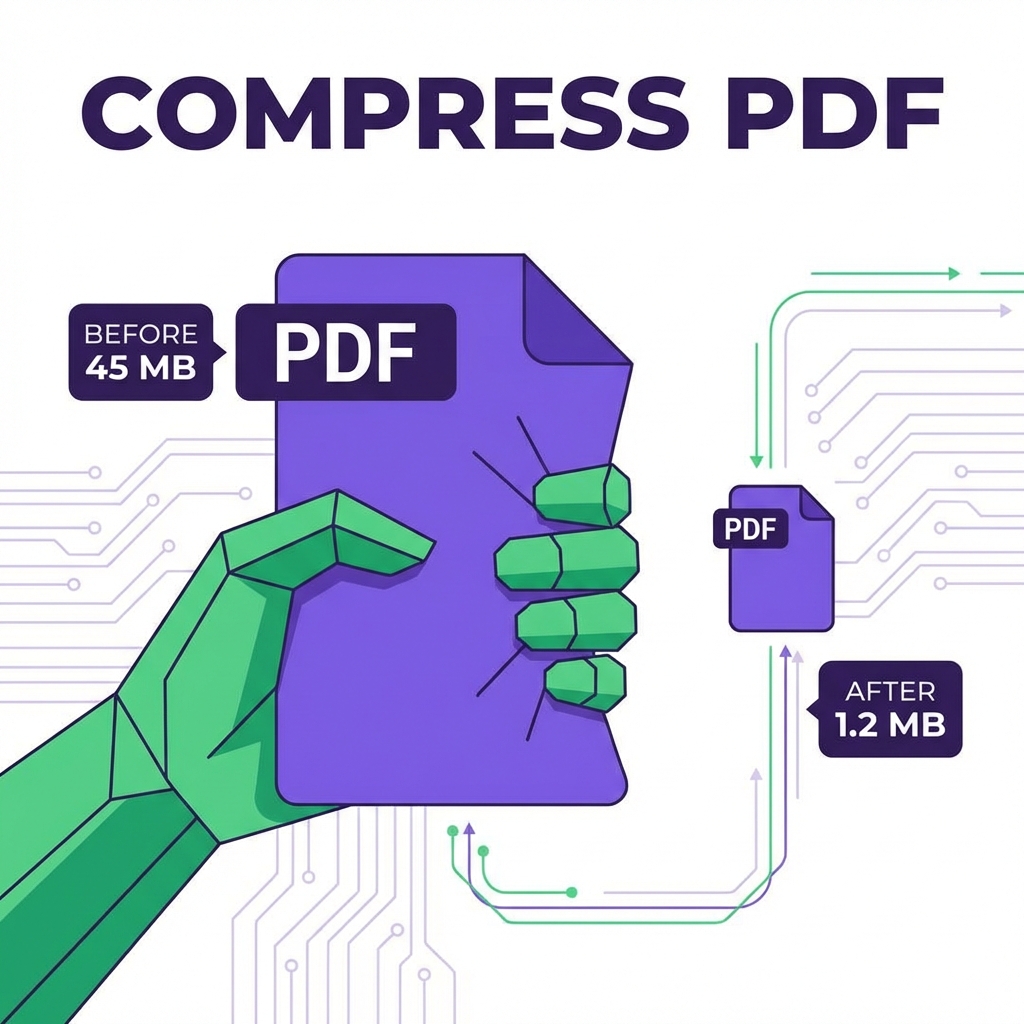
Large PDF files are problematic: they're slow to upload, hit email size limits, and waste storage space. The solution? Smart compression that reduces file size without sacrificing quality.
How PDF Compression Works

PDF compression uses several techniques:
- Image optimization: Reduces image quality/resolution
- Font subsetting: Embeds only used characters
- Content stream compression: Removes redundant data
- Remove metadata: Strips unnecessary information
The 10 Best Methods (Ranked)
1. PDFMody Compress (Best Overall)
⭐⭐⭐⭐⭐ Rating: 5/5
- ✅ Free, no registration
- ✅ Up to 90% compression
- ✅ Maintains quality
- ✅ Works on any device
2. Adobe Acrobat Pro
⭐⭐⭐⭐ Rating: 4/5
- ✅ Professional-grade compression
- ✅ Multiple compression levels
- ❌ Requires subscription ($15/month)
3. Preview (Mac Only)
⭐⭐⭐⭐ Rating: 4/5
- ✅ Built into macOS
- ✅ Quick export option
- ❌ Limited compression options
4. Smallpdf
⭐⭐⭐ Rating: 3.5/5
- ✅ Easy to use
- ❌ Limited free usage
- ❌ Privacy concerns
5. ILovePDF
⭐⭐⭐ Rating: 3.5/5
- ✅ Multiple compression levels
- ❌ File size limits on free plan
Compression Level Comparison
| Tool | Original | Compressed | Reduction |
|---|---|---|---|
| PDFMody | 10 MB | 1.2 MB | 88% |
| Adobe | 10 MB | 1.5 MB | 85% |
| Smallpdf | 10 MB | 2.1 MB | 79% |
| ILovePDF | 10 MB | 2.3 MB | 77% |
Pro Tips for Maximum Compression
- Remove unnecessary pages before compressing
- Use "web-ready" compression for online sharing
- Compress images before adding to PDF
- Remove hidden data and metadata
FAQ
Will compression affect print quality?
For screen/web viewing, no visible difference. For high-quality printing, use "print-ready" settings.
How small can I make my PDF?
Typically 70-90% smaller. Results depend on content type (images vs text).
Conclusion
For free, high-quality PDF compression, PDFMody is your best choice. Try it now!