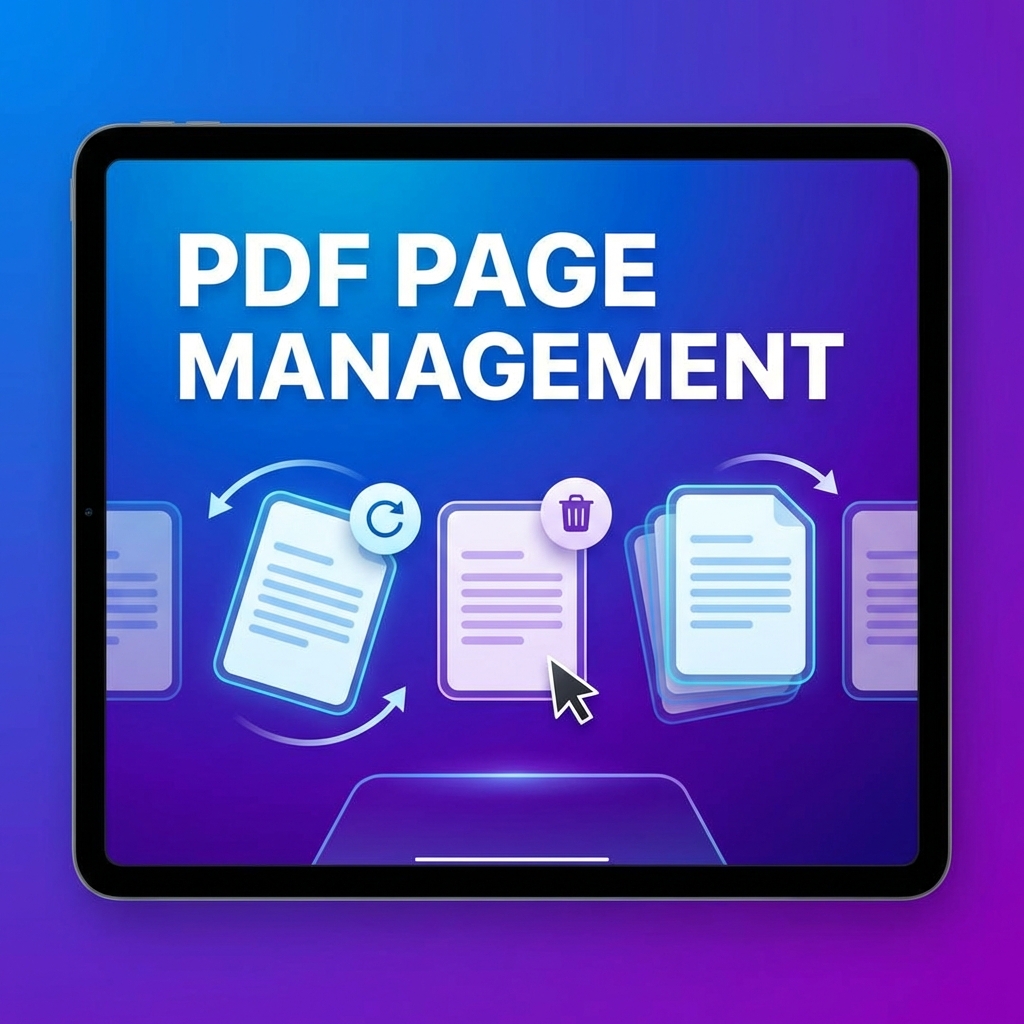
Master PDF Page Management
Managing PDF pages shouldn't be complicated. Whether you need to delete unwanted pages, rotate for proper orientation, or reorder pages, this guide covers everything you need to know.
Common Page Management Tasks
- Delete pages: Remove unnecessary or duplicate pages
- Rotate pages: Fix orientation issues
- Reorder pages: Arrange pages in the correct sequence
- Extract pages: Pull out specific pages
How to Delete PDF Pages
- Go to PDFMody Organize PDF
- Upload your PDF
- Click on pages you want to delete
- Press the delete button
- Download your updated PDF
How to Rotate PDF Pages
- Visit PDFMody Rotate PDF
- Upload your document
- Select pages to rotate
- Choose rotation: 90°, 180°, or 270°
- Apply and download
How to Reorder PDF Pages
- Open PDFMody Organize PDF
- Upload your PDF
- Drag pages to new positions
- Preview the new order
- Save and download
Pro Tips for Page Management
- Always preview before saving to avoid mistakes
- Keep a backup of original files
- Use keyboard shortcuts for faster work
- Consider batch processing for multiple files
When to Use Page Management
| Situation | Action |
|---|---|
| Scanned pages upside down | Rotate 180° |
| Remove blank pages | Delete |
| Wrong page sequence | Reorder |
| Create summary document | Extract key pages |
FAQ
Will page management affect quality?
No, PDFMody preserves original quality when managing pages.
Can I undo changes?
Yes, you can reset to original before downloading.
Conclusion
PDF page management is essential for document professionals. With PDFMody's intuitive tools, you can organize your PDFs in seconds!